



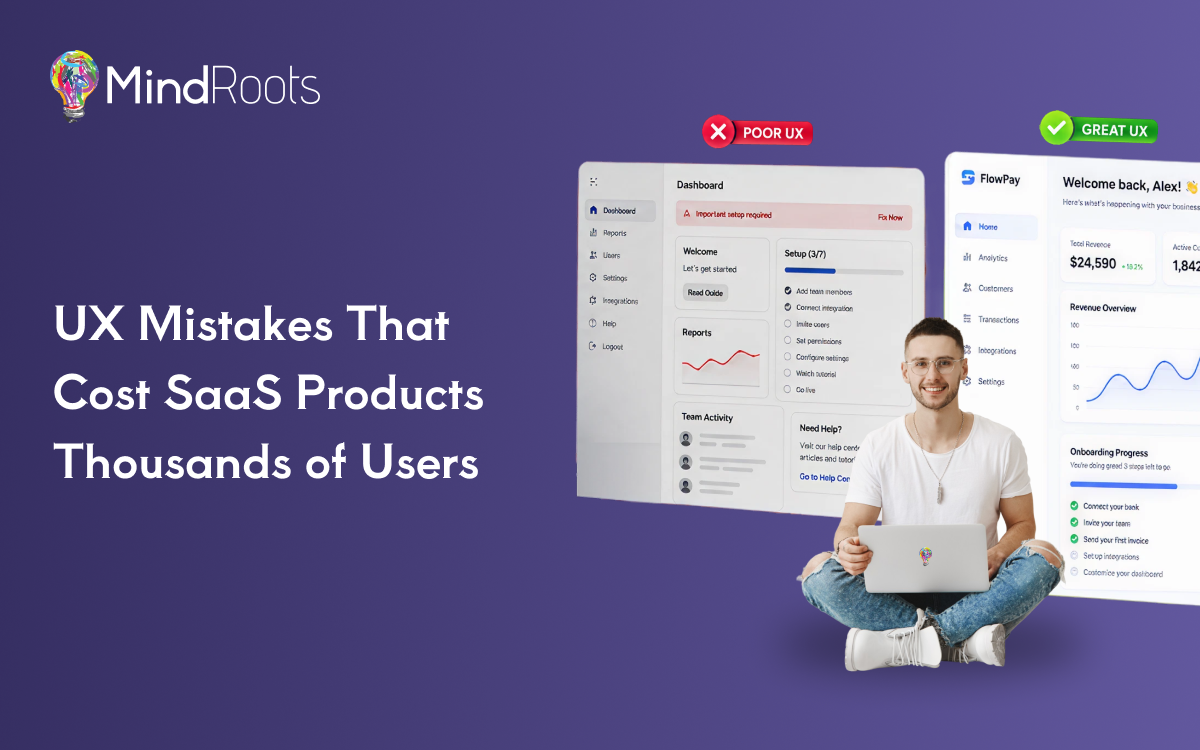
Launching a SaaS product is only half the battle. The real challenge begins when users sign up and expect an intuitive, seamless experience. Unfortunately, many promising SaaS businesses lose potential customers within the first few minutes because of avoidable UX Mistakes. Complicated navigation, confusing dashboards, slow interfaces, and poor onboarding can quickly frustrate users, leading to abandoned trials, reduced engagement, and higher churn.
Great User Experience Design isn’t just about making a product look attractive, it’s about helping users accomplish their goals effortlessly. Every interaction influences customer satisfaction, product adoption, and ultimately, recurring revenue. That’s why successful companies invest in professional UI/UX Designing and partner with experienced SaaS UI/UX Specialists who understand how thoughtful design drives business growth.
In this article, we’ll explore the most common UX mistakes that cost SaaS companies thousands of users and share practical strategies to avoid them.
Why UX Can Make or Break a SaaS Product
A SaaS product has only a few moments to make a positive first impression. If users struggle to understand how the platform works, they are unlikely to return.
Exceptional UX Design for SaaS creates confidence, simplifies workflows, and encourages users to explore more features. On the other hand, poor usability increases frustration and pushes customers toward competitors.
Professional SaaS Product Design helps businesses achieve:
- Better first impressions
- Faster user onboarding
- Higher customer trust
- Improved user retention
- Lower customer churn
- Increased conversion rates
- Stronger customer satisfaction
Industry research consistently shows that companies investing in user-centered design often experience higher engagement, stronger customer loyalty, and improved business performance. While product features matter, the experience of using those features often determines whether customers stay or leave.
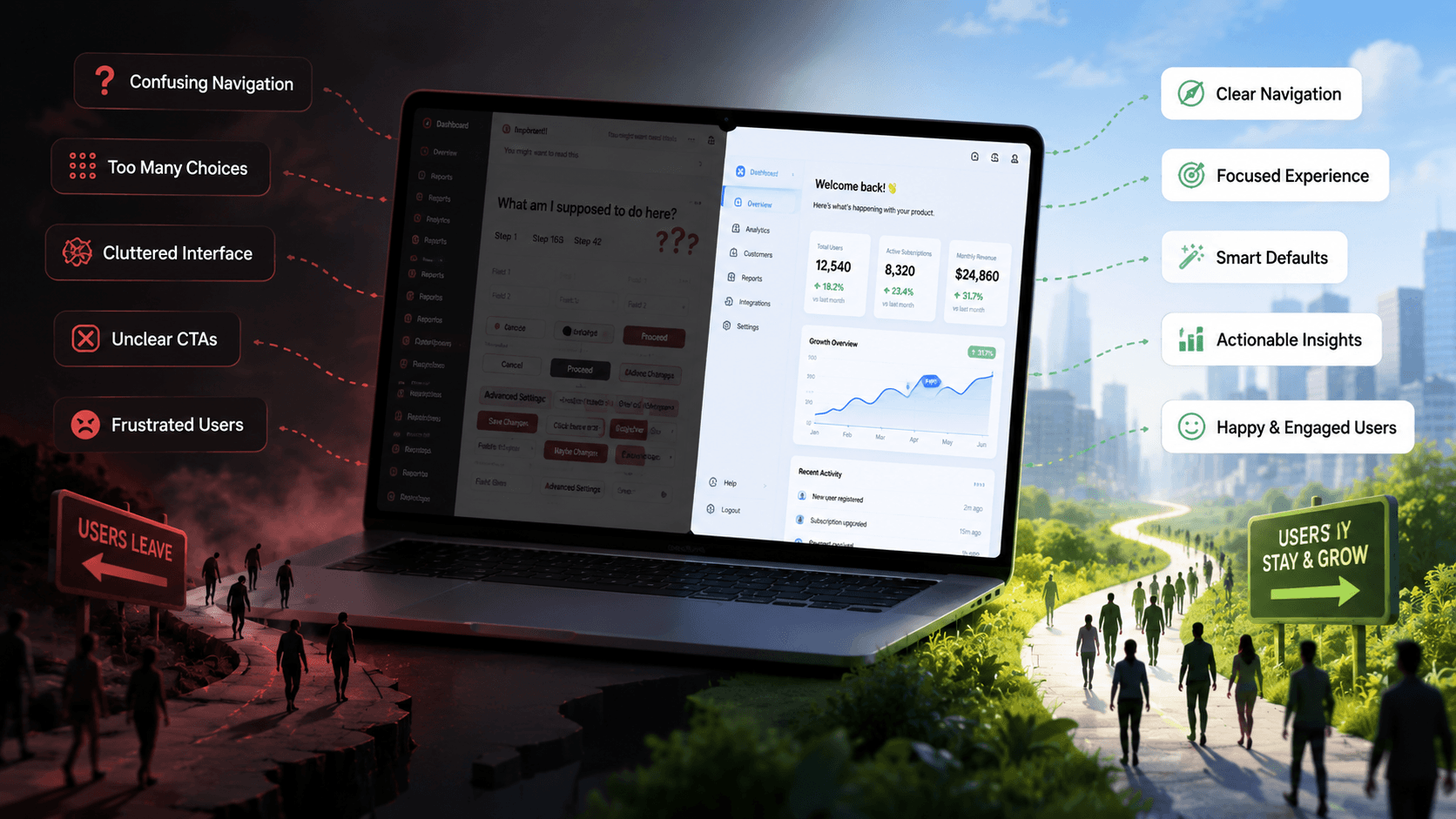
8 UX Mistakes That Cost SaaS Companies Thousands of Users
1. Complicated User Onboarding
The first interaction with your product determines whether users continue exploring or abandon it altogether.
Many SaaS platforms overwhelm new users with lengthy registration forms, multiple setup screens, unnecessary permissions, and confusing terminology.
Common onboarding mistakes include:
- Asking for excessive information upfront
- No guided walkthrough
- Lack of contextual help
- No progress indicators
- Information overload
When users don’t immediately understand how your software solves their problem, they lose interest.
How to Fix It
Successful SaaS UI Design focuses on progressive onboarding.
Best practices include:
- Interactive product tours
- Step-by-step onboarding
- Contextual tooltips
- Checklists for first-time users
- Personalized onboarding flows
Instead of teaching every feature at once, introduce functionality gradually as users become more comfortable with the platform.
2. Confusing Navigation
Even feature-rich software becomes frustrating if users cannot find what they need.
Poor information architecture often results in:
- Hidden menus
- Too many navigation options
- Inconsistent dashboard layouts
- Duplicate menu items
- Unclear labels
Your SaaS dashboard design should help users complete tasks with minimal effort.
How to Fix It
Experienced SaaS UI/UX Specialists begin every project with proper planning.
This includes:
- User journey mapping
- Wireframing
- Card sorting
- User testing
- Figma Designing before development
Creating clickable prototypes allows businesses to validate navigation before investing in development, saving significant time and cost.
3. Slow Loading Interfaces
Users expect applications to respond instantly.
A sluggish interface creates the impression that the entire platform is unreliable, even when the backend performs well.
Performance issues commonly include:
- Heavy dashboards
- Slow reports
- Delayed animations
- Blocking API requests
- Poor image optimization
Perceived performance is just as important as actual performance.
How to Fix It
Modern UI Design Services improve perceived speed by using:
- Skeleton screens
- Lazy loading
- Optimized assets
- Progressive data loading
- Efficient caching strategies
Even if content requires a few extra seconds to load, keeping users informed significantly improves the overall experience.
4. Poor Mobile Experience
Today’s professionals frequently access SaaS products on smartphones and tablets.
If your interface only works well on desktops, you’re losing valuable opportunities.
Common mobile UX problems include:
- Tiny touch targets
- Horizontal scrolling
- Unresponsive layouts
- Crowded dashboards
- Difficult form inputs
Great Mobile App Designing considers usability from the smallest screen upward.
How to Fix It
Adopt a mobile-first approach.
Your design should prioritize:
- Responsive UI
- Flexible layouts
- Mobile-friendly navigation
- Optimized typography
- Thumb-friendly interactions
Consistent experiences across devices encourage users to remain engaged wherever they work.
5. Too Many Features on One Screen
Many SaaS companies try to impress users by displaying every available feature on a single dashboard.
Instead of increasing value, this creates cognitive overload.
Visual clutter often includes:
- Excessive widgets
- Numerous charts
- Competing buttons
- Dense forms
- Too much information
When users don’t know where to focus, productivity decreases.
How to Fix It
Professional UI/UX Designing emphasizes clarity over complexity.
Designers simplify interfaces through:
- Better visual hierarchy
- White space
- Progressive disclosure
- Clear typography
- Logical grouping of content
A clean interface helps users complete tasks faster and reduces decision fatigue.
6. Inconsistent Design System
Inconsistency damages credibility.
If buttons change styles across pages or colors represent different meanings throughout the product, users become confused.
An inconsistent interface typically includes:
- Different button styles
- Mixed typography
- Random spacing
- Inconsistent icons
- Varying color usage
How to Fix It
A scalable Design System provides consistency across every screen.
Experienced SaaS UI/UX Specialists build reusable components including:
- Buttons
- Forms
- Cards
- Tables
- Navigation patterns
- Icons
- Color palettes
- Typography guidelines
This improves development speed while maintaining a professional appearance.
7. Ignoring User Feedback
Your users constantly tell you what’s working—and what isn’t.
Unfortunately, many businesses rely on assumptions rather than real customer insights.
Ignoring feedback leads to:
- Repeated usability issues
- Higher support requests
- Poor customer satisfaction
- Lost revenue
How to Fix It
Conduct regular UX audits using:
- Product analytics
- Heatmaps
- User interviews
- Session recordings
- Customer surveys
- Usability testing
Continuous improvement ensures your product evolves alongside customer needs.
8. Weak Call-to-Action (CTA)
Even beautifully designed products fail if users don’t know what to do next.
Weak CTAs often suffer from:
- Poor placement
- Low contrast
- Generic wording
- Competing actions
How to Fix It
Improve Conversion optimization through:
- Clear button hierarchy
- Action-oriented copy
- Strategic placement
- Effective color psychology
- Limited distractions
Every screen should guide users toward a clear next step.
Mini Case Study
A growing B2B SaaS startup noticed that nearly half of its trial users abandoned the platform before completing setup. Product analytics revealed that users struggled with a lengthy onboarding process, confusing navigation, inconsistent interface elements, and poor mobile usability. Customer support requests continued to increase, while user engagement remained low.
The company partnered with experienced SaaS UI/UX Specialists to conduct a complete UX audit. The team redesigned the onboarding journey using progressive onboarding, simplified the dashboard structure, created a reusable Design System, and optimized every screen through Figma Designing before development. Interactive UI Prototyping allowed stakeholders to validate improvements before implementation, while responsive layouts ensured a consistent experience across desktop and mobile devices.
Within a few months, the startup experienced a noticeable increase in product activation, stronger customer retention, improved feature adoption, longer user sessions, and higher trial-to-paid conversions. Customer feedback became significantly more positive, proving that thoughtful Product Design directly influences business success.
Best Practices for Building a High-Converting SaaS Experience
Building an exceptional SaaS product requires continuous refinement rather than one-time improvements.
Follow these best practices:
- Conduct User Research
Understand customer goals before designing solutions.
- Start with Wireframing
Validate workflows early before visual design begins.
- Design in Figma
Professional Figma Designing improves collaboration, prototyping, and developer handoff.
- Test Before Launch
Usability testing uncovers issues that internal teams often overlook.
- Build a Scalable Design System
Reusable components improve consistency and accelerate future development.
- Prioritize Accessibility
Design for users of all abilities by following accessibility standards.
- Create Responsive Experiences
Ensure consistent usability across desktops, tablets, and smartphones.
- Continuously Improve
Regular UX audits, analytics reviews, and customer feedback sessions keep your product competitive.
Conclusion
Outstanding user experience is no longer a competitive advantage—it’s an expectation. Every unnecessary click, confusing workflow, or inconsistent interface creates friction that can cost your SaaS business valuable customers. Investing in professional UI/UX Designing helps improve onboarding, increase customer satisfaction, strengthen user retention, and accelerate long-term product growth. Whether you’re launching a new SaaS platform or optimizing an existing one, regular UX audits and user-centered design decisions can dramatically improve business performance.
Looking to build a SaaS product your users will love?
Our experienced SaaS UI/UX Specialists help startups and enterprises create intuitive, conversion-focused digital products through expert UI/UX Designing, Figma Designing, Mobile App Designing, UX Design for SaaS, and end-to-end Product Design services. Contact our team today to transform your product into a powerful growth engine.
Frequently asked questions
1. Why is UX important for SaaS products?
A great user experience improves onboarding, increases customer satisfaction, boosts user retention, reduces churn, and encourages long-term product adoption.
2. What are the biggest UX mistakes in SaaS applications?
The most common mistakes include poor onboarding, confusing navigation, inconsistent interfaces, slow loading times, weak CTAs, feature overload, poor mobile experiences, and ignoring user feedback.
3. Why should SaaS companies invest in Figma Designing?
Figma enables collaborative design, rapid prototyping, stakeholder feedback, and smoother developer handoffs, reducing development errors and improving product quality.
4. What is a Design System?
A Design System is a collection of reusable UI components, design guidelines, typography, colors, and interaction patterns that ensure consistency across digital products.
5. How often should a SaaS product undergo a UX audit?
Most SaaS businesses should conduct a UX audit every 6–12 months or after introducing significant product updates to identify usability issues and improve customer experience.