


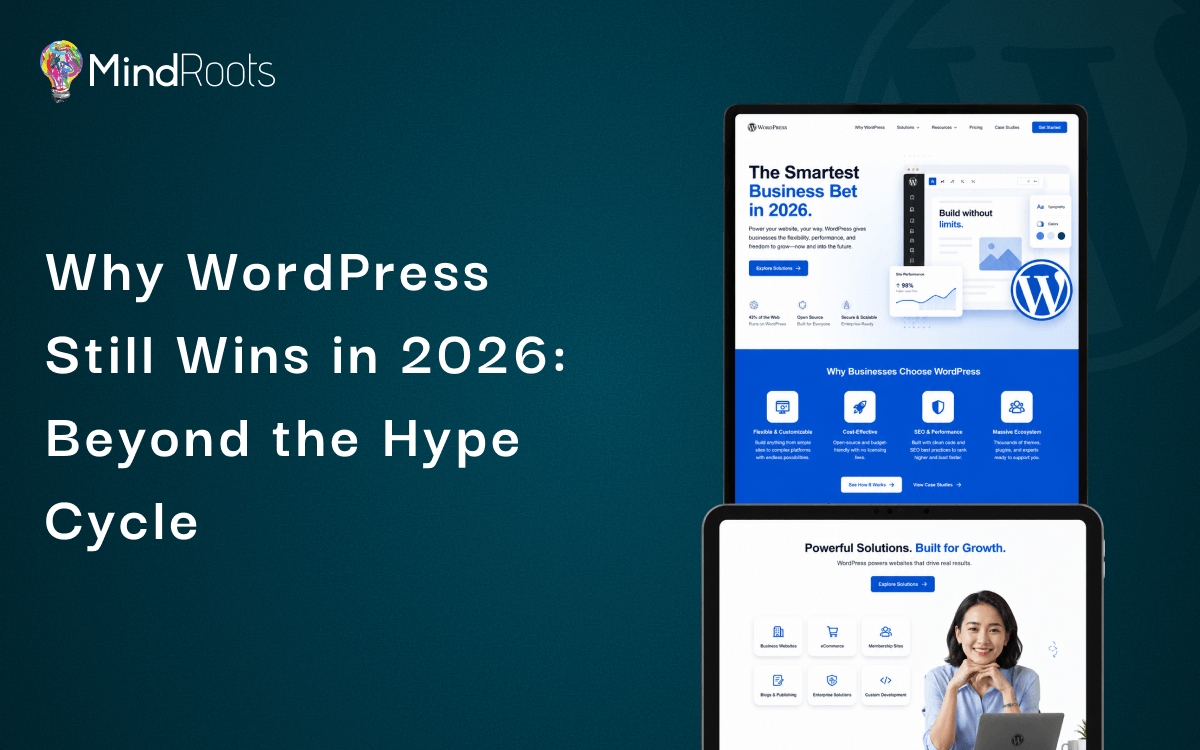
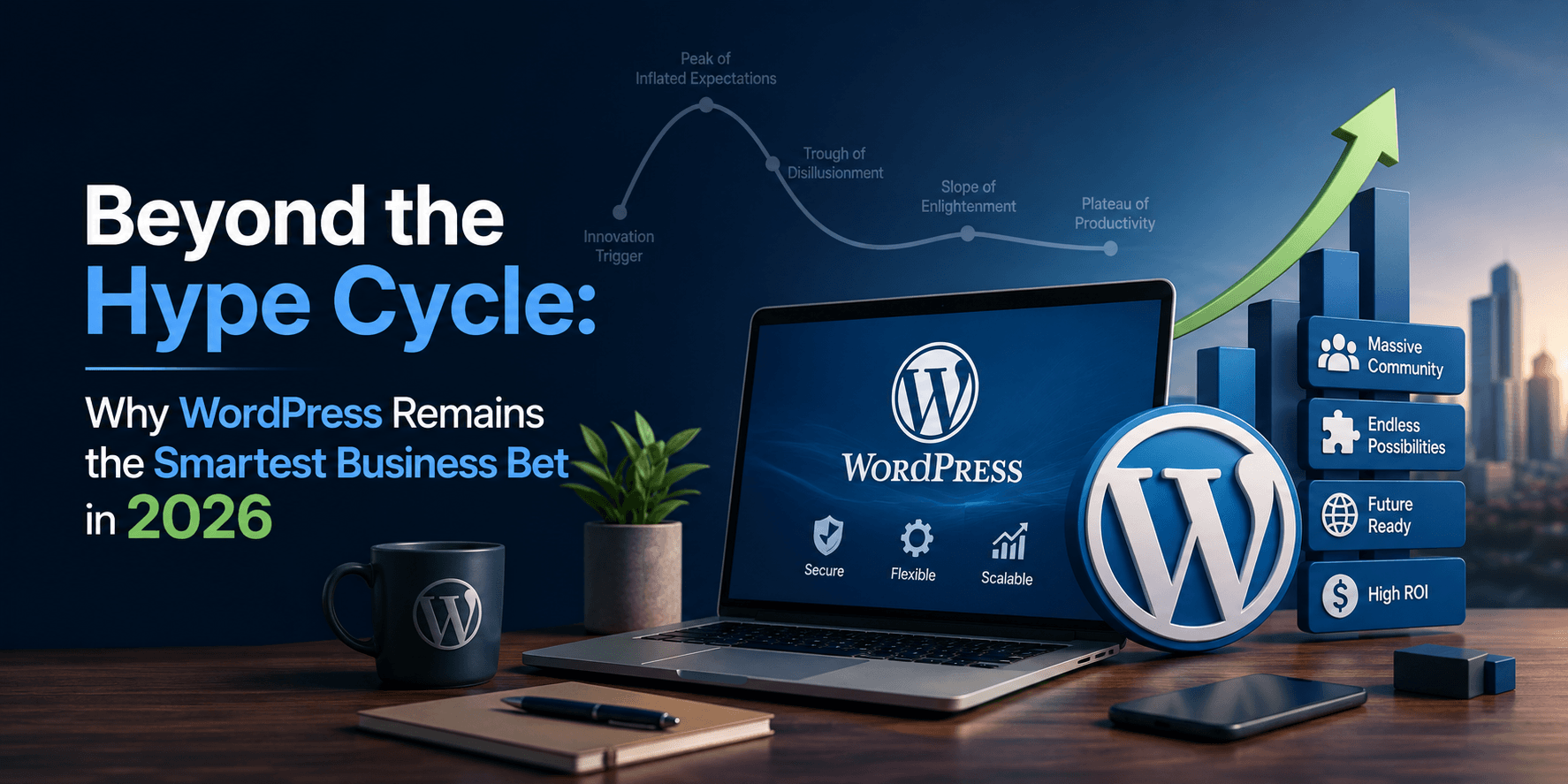
Every eighteen months or so, a new website builder arrives promising to make everything before it obsolete. In 2026 alone, a wave of AI powered site generators has claimed it can build a fully functional business website from a single prompt. Investors love the pitch. Tech blogs love the demo videos. Yet when the dust settles and businesses need something that holds up under real traffic and real growth, an enormous number still land on WordPress.
This part of the story rarely gets told with any nuance. WordPress is often treated like the flip phone of the internet: familiar, a little unglamorous, assumed to be on its way out. That framing misunderstands what has actually happened. WordPress has not survived the hype cycle by ignoring it. It has absorbed the best ideas from every competitor that tried to replace it and kept what none of the flashy newcomers can offer: two decades of battle tested infrastructure powering a meaningful share of the internet. Think of it less like an aging incumbent and more like a river delta. New channels form constantly around it, some fast and exciting, but the main body of water keeps moving the most volume, year after year, because the terrain was shaped around it long ago.
The Numbers Behind the Staying Power
WordPress still powers well over 40 percent of all websites globally, and among sites using any identifiable content management system, its share is closer to two thirds. That is not a legacy statistic left over from 2015. It reflects what businesses choose today when they need a website builder in 2026 that can grow with them rather than box them in.
What is more interesting than the raw percentage is who is choosing it. Businesses adopting or migrating to WordPress today are rarely hobby bloggers. They are agencies managing dozens of client sites, mid sized retailers running serious transaction volume, and enterprise marketing teams burned by a closed platform’s pricing changes. WordPress for business has quietly become the default recommendation among developers who tried newer alternatives and hit their ceilings.
A few reasons this trust keeps compounding:
- Ownership matters more than ever. Owners who built their brand on a rented platform learned the hard way that a pricing change can hold their entire online presence hostage. WordPress, being open source, removes that leverage.
- Longevity builds compounding SEO value. Search engines reward domains and content structures that persist, an advantage no brand new AI generated site can replicate overnight.
- Developer talent is abundant. Since WordPress powers such a large slice of the web, the pool of people who can build and secure it runs far deeper than for any single newer platform.
- Institutional trust runs deep. Universities, agencies, and Fortune 500 companies still run substantial portions of their web presence on WordPress, a signal that carries weight with cautious buyers.
Busting the Myths That Refuse to Die
The idea that WordPress is outdated persists mostly because people compare memories of WordPress from a decade ago to modern alternatives built yesterday.
The claim that WordPress is slow ignores what has happened to the ecosystem around performance. Modern WordPress development leans on caching layers, image optimization, and increasingly common headless architectures that separate content from the front end. A site built with informed technical choices in 2026 can outperform many templated builders by a wide margin.
The claim that WordPress is insecure misunderstands where the risk actually lives. Most security incidents trace back to outdated plugins, weak hosting, or neglected maintenance, not a flaw in the core software. A properly maintained WordPress site is not meaningfully riskier than any other platform, and arguably safer than closed systems where you have no visibility into what is happening under the hood.
The claim that WordPress cannot compete with AI powered builders gets the relationship backwards. Rather than being replaced by artificial intelligence, WordPress has integrated it. Plugin developers have built AI content assistants, image generation tools, and automated SEO analyzers directly into the admin dashboard, giving businesses new technology without abandoning a proven content management system.
A Case Study in Scaling Smart
Consider Harbor and Pine, a fictional but plausible mid sized home goods ecommerce brand that launched in 2021 on a popular no code storefront platform. By 2024, the founders were frustrated. Transaction fees ate into margin on every sale, customization was limited, and their blog sat on a subdomain that search engines treated as separate from the main store.
In early 2025, they migrated to a WordPress and WooCommerce setup built by a small development agency. The results over the following twelve months were notable. Organic search traffic rose 63 percent as blog and product pages finally lived under one unified domain, consolidating the SEO authority that had previously been split. Checkout abandonment dropped from 71 percent to 58 percent after custom checkout flows removed unnecessary steps. Monthly platform costs fell roughly 40 percent once transaction fees were eliminated, even after accounting for hosting and plugins. Perhaps most tellingly, launching a new product landing page dropped from four days to under two hours, since the team could finally reuse templates instead of rebuilding pages from scratch.
Harbor and Pine’s story is not exceptional. It reflects a pattern seen repeatedly among businesses that outgrow closed platforms and move toward a scalable website platform they actually control.
The Ecosystem Advantage Nobody Talks About Enough
The strongest argument for WordPress in 2026 is not any single feature. It is the depth of the ecosystem surrounding it, something no competitor has replicated in a fraction of the time WordPress has had to mature.
- Plugin availability spans nearly every business function, from booking systems and membership portals to advanced analytics and multilingual support, often with several credible options rather than one locked in choice.
- Theme flexibility lets a business change its entire visual identity without touching the underlying content or SEO structure, something a closed platform rarely allows.
- Community support is enormous and largely free, including forums, documentation, and tutorials addressing nearly any technical question.
- Integration flexibility means WordPress connects cleanly with CRMs, email marketing tools, and increasingly AI services, without waiting on a vendor to build native support.
- Agency and freelancer availability means businesses are never locked into a single vendor, unlike proprietary platforms where switching developers can mean starting from zero.
This is the part of the ecosystem that hype driven coverage tends to miss. A trendy new platform might look impressive in a demo, but a business needs an entire economy of support around its website, not just a clever product.
Cost, ROI, and the Long Game
Newer platforms often win on the surface level pitch of simplicity and low starting price. What gets lost is the long term math. Subscription based builders tend to raise pricing tiers as a business grows, charge extra for essential features like advanced forms, and take a cut of every transaction. WordPress costs scale more predictably, largely tied to hosting and the specific plugins a business chooses, rather than a percentage of revenue.
Over a three to five year horizon, a WordPress site built with quality WordPress development practices becomes an asset that appreciates through accumulated content, backlinks, and search authority. A site built on a platform a business does not own can be reshaped by that vendor’s decisions at any time, regardless of how much investment has already gone into it.
The Smart Bet for the Long Run
The businesses thriving in 2026 are not the ones chasing every new platform that generates buzz. They are the ones that recognized WordPress for what it actually is: a mature, flexible, endlessly extensible foundation that has survived multiple hype cycles and come out stronger each time. Betting on WordPress in 2026 is a pragmatic choice, grounded in market share, ecosystem depth, and a track record newer platforms have not had time to build.
Frequently asked questions
Newer builders often win on initial speed for very basic sites. WordPress wins on long term flexibility, ownership, and SEO performance, plus the ability to add complex functionality without switching platforms.